Zawgyi Ghost Font (No Root)
Zawgyi Ghost Font for android devices
which support font style.
How to use
************
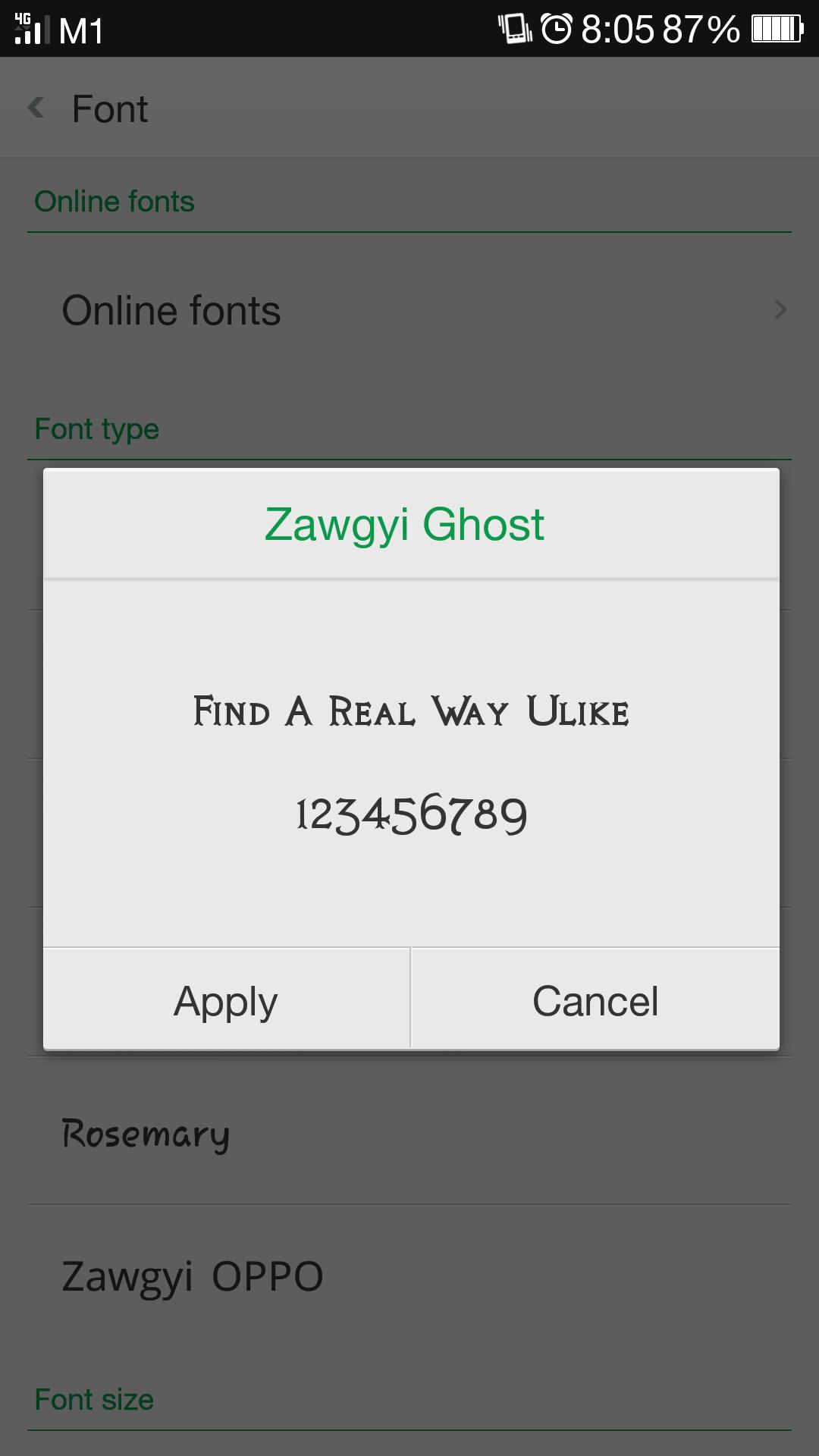
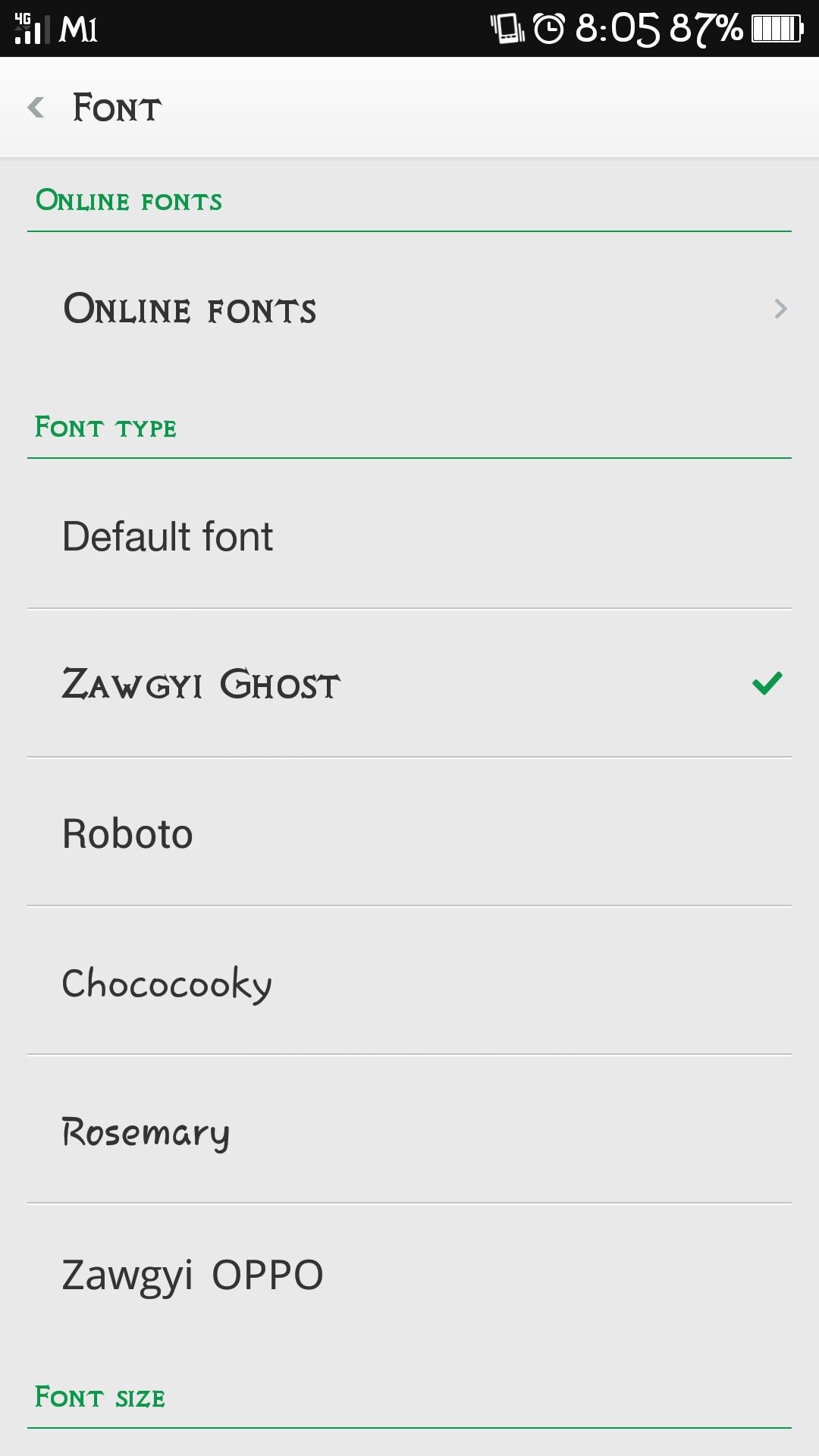
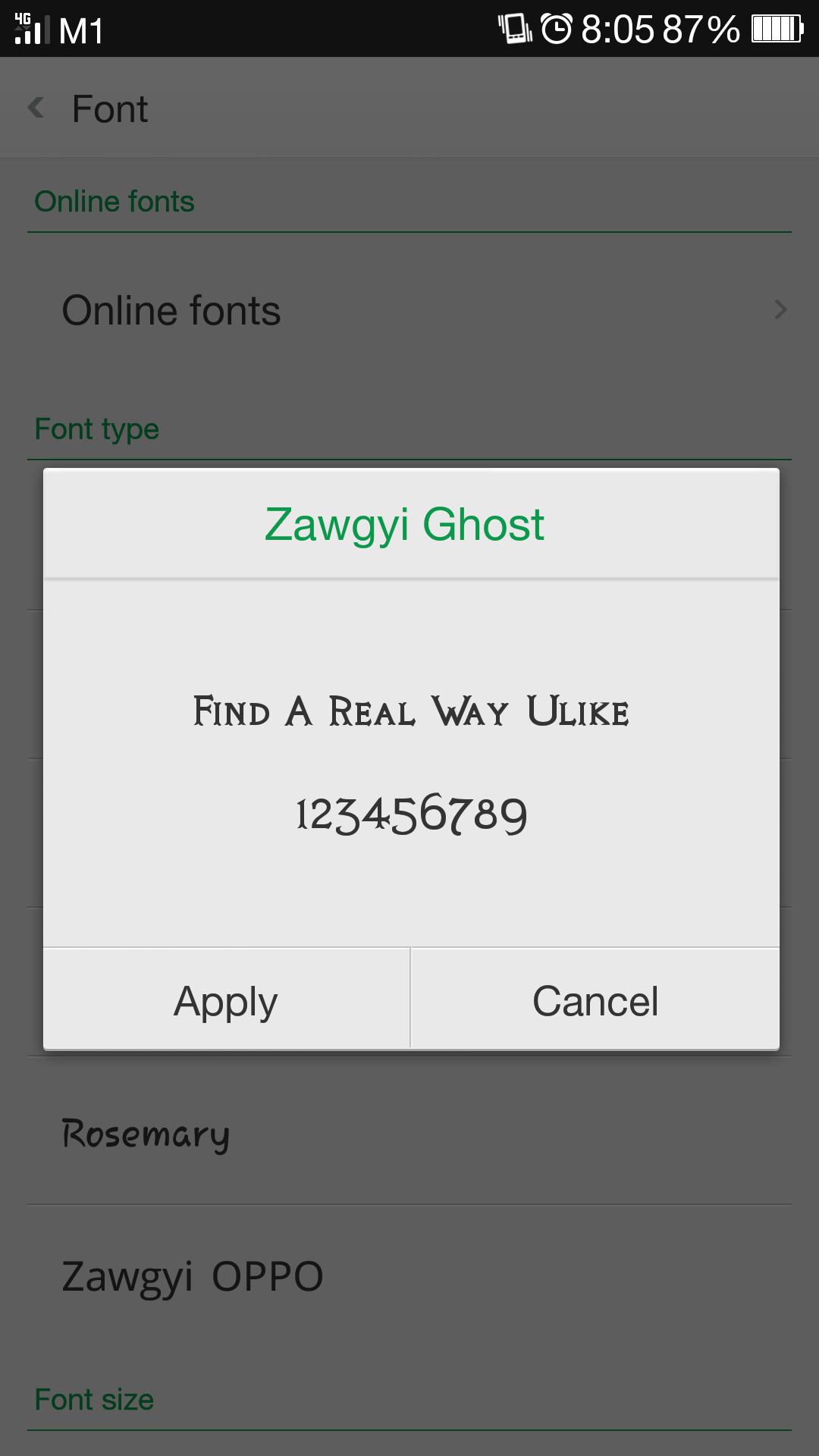
1. Install Zawgyi Ghost
2. Setting > Display > Font > Choose
Zawgyi Ghost
3. Enjoy!
How to use.
**************
1. Enter Zawgyi Ghost .
2. Under the phone's settings, under the display
Go to Font Style and select Zawgyi Ghost you just imported.
3. If necessary, power off and on your phone again.
***Credit to person
who creates ZawgyiGhost.ttf file.***
Read more